Vídeo
Maestro
A one-click local studio that directs, shoots, and edits AI video for you.
★ 686 estrellasCustom (non-commercial)
Ver la guía →Pinokio es un proyecto de instalación fácil de código abierto de pinokiocomputer (pinokiocomputer/pinokio en GitHub). Tiene 8.198 estrellas en GitHub y 828 bifurcaciones, se publica bajo la licencia MIT y se actualizó por última vez en GitHub el 2 de septiembre de 2026.
A one-click browser for open-source AI apps — discover, install, and run anything.
Get it from pinokio.computer and install it on Windows, Mac, or Linux.
Open the Discover tab — a directory of vetted one-click scripts for popular open-source AI apps.
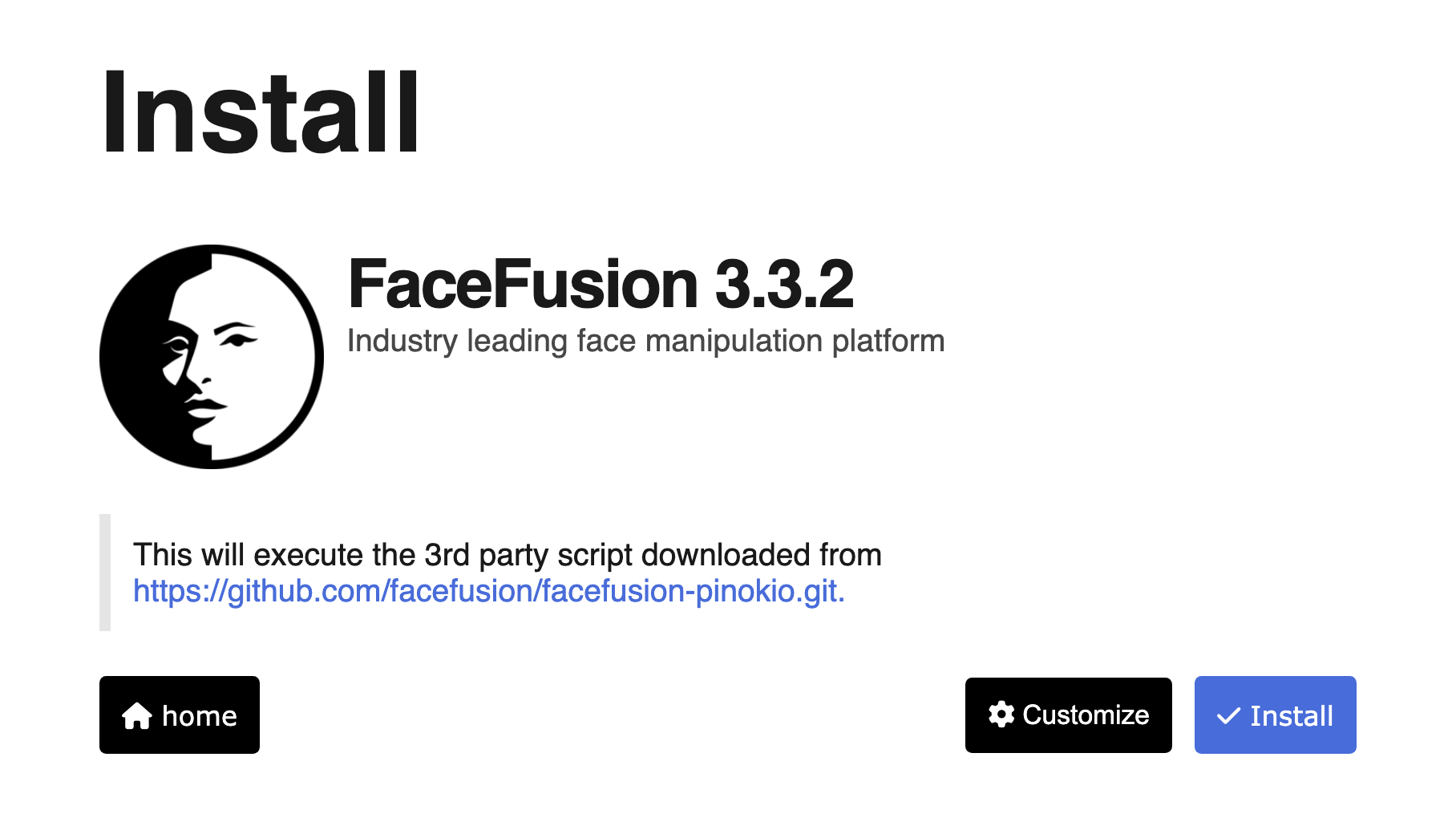
Pick an app and hit Install. Pinokio downloads everything into an isolated folder and sets up its environment.
Launch from the same screen anytime; update with one click when the app ships fixes, or reset for a clean slate.
A curated catalog of one-click installers for the open-source AI apps people actually want.
Everything lives under your Pinokio folder — apps can't sprawl across your system.
Featured scripts pass a manual security review before they reach the directory.
Installers are open JSON you can inspect — no black-box binaries doing mystery work.
The same one-click machinery works for any open-source project, not just AI tools.
Free and open, top to bottom.
Get Pinokio from pinokio.computer for your operating system.
Launch Pinokio and switch to the Discover tab to browse available apps.
Search for an app (try “Maestro”), click Install, then Start when it finishes.
Also on this shelf: starling — a brand-new Linux desktop environment with its own compositor and Swift shell. The Easy Install shelf also holds fitness-coach-rpg — a local file-driven AI fitness coach with RPG progression. Readers working through the Easy Install shelf also stop at bfree-trainer-suite, Bno-cost Smart Trainer App 2026.
Yes — MIT licensed and free to use.
Featured scripts go through a manual verification process, run isolated under your Pinokio folder, and are readable JSON you can audit before running.
Windows, macOS, and Linux.
Docker is a general container platform for developers. Pinokio is friendlier and app-focused: discover, click, run — aimed at getting open-source apps working fast.
You need the internet to download apps and models, but installed apps generally run locally.
A one-click local studio that directs, shoots, and edits AI video for you.
A lean, fast video generator tuned to squeeze big results out of modest GPUs.
The simplest way to run open language models on your own machine.
Browser-based desktop where an AI agent operates apps via natural language.
Free easy install tool that constitution-first ai orchestration: one charter (yaml).
Free easy install tool that four seo products in one free wordpress plugin: an ai c.
Los demás proyectos de Instalación fácil con más estrellas del catálogo de LibreAI: la lista realista de alternativas si Pinokio no es lo que buscas.
A self-hosted dashboard that puts all your feeds in one place
CasaOS - A simple, easy-to-use, elegant open-source Personal Cloud system
Proxmox VE Helper-Scripts (Community Edition)
🚀 A self-hostable personal dashboard built for you. Includes status-checking, widgets, themes, icon packs, a UI editor and tons more!
Lightweight server monitoring with historical data, docker stats, and alerts.
Proyectos de Instalación fácil cercanos en el catálogo, los más próximos en estrellas a Pinokio: sigue explorando a ambos lados.
Fully automated homelab from empty disk to running services with a single command.
Create reusable templates and turn them into configurable workloads for homelabs and self-hosted infrastructure. Free and Open-Source.
Your favorite self-hostable alternative to Google Timeline (Google Location History)
Real-time monitoring dashboard for Proxmox VE, PBS, Docker, Kubernetes, TrueNAS and vSphere. Self-hosted, with smart alerts and AI patrols that catch silent …
A very simple static homepage for your server.
Network diagrams that update themselves
Gratis y abierto: consigue el código fuente, dale una estrella al repositorio y empieza a crear.